Category
Design Tools
Interface, illustration and asset design tools.
- Products
- 222
- Size rank
- #6/ 37
Page 2 of 19

GPT Image 2.5
GPT Image 2.5 is OpenAI's family of image generation and editing models, supporting text-to-image and reference-image generation, and it lets you upload images directly for precise editing.Describe the part you want to change, and leave the rest untouched.It offers two modes—Flare (speed-focused) and Sunburst (quality-focused)—with more natural rendering of details, lighting, and materials, plus support for transparent background output, making it ideal for product shots, posters, UI concepts, and design assets.ModeFeaturesFlareFast generation, great for everyday creative explorationSunburstHigh image quality, great for fine-grained editing
128 upvotes
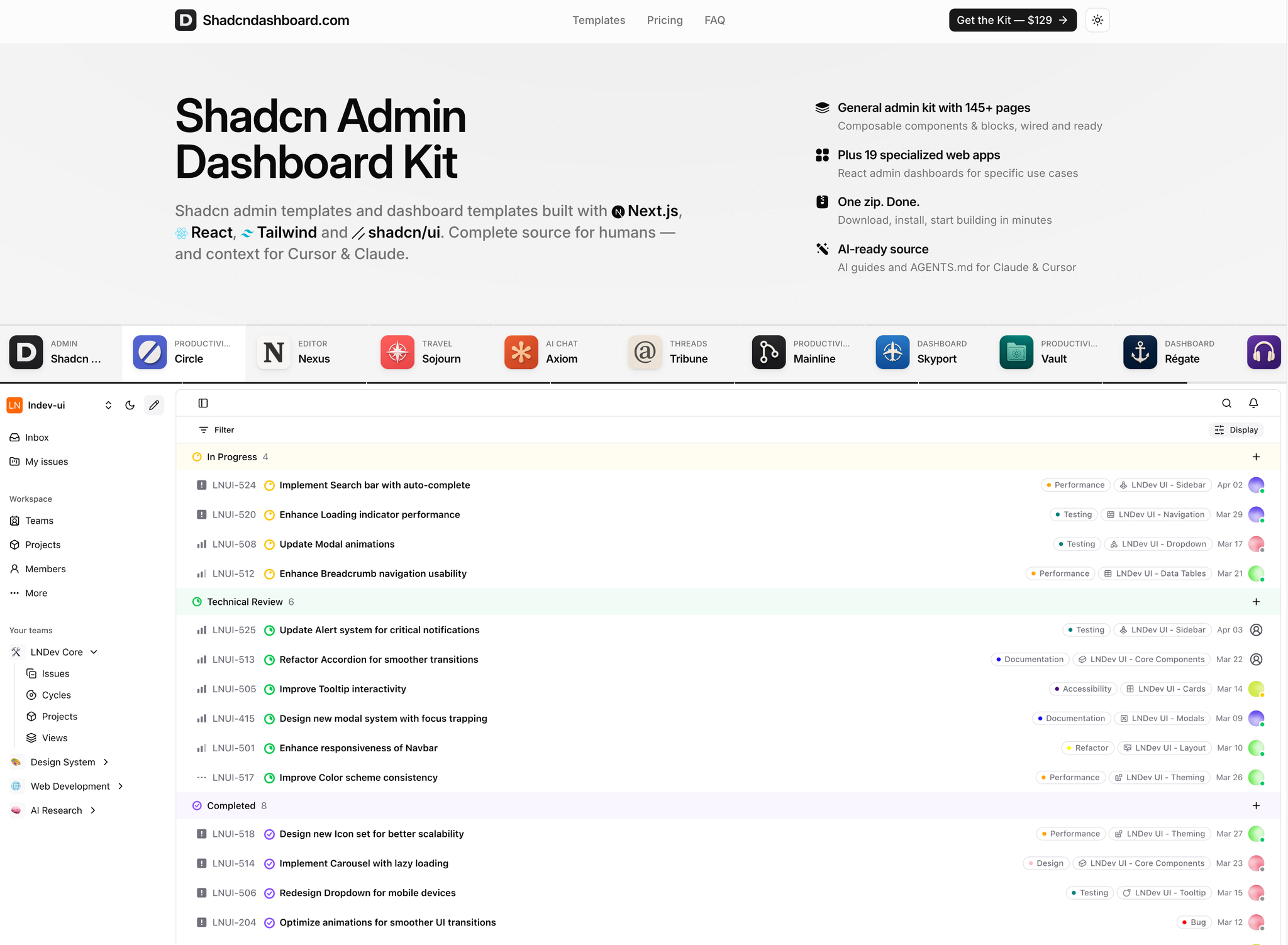

Shadcndashboard
Shadcndashboard is a one-time Shadcn UI admin kit: 20 Next.js, React, Tailwind, and shadcn/ui templates with TypeScript, 42 themes, dark mode, and AI guides.Shadcn Admin is the flagship (145+ pages: Ecommerce, Project Management, Payments, Todo, Developer Tools). Circle: Linear-style projects. Nexus: Notion-style workspace. Sojourn: travel marketplace. Axiom: AI chat. Tribune: Threads-style social. Mainline: GitHub-style collaboration. Skyport: flight ops. Vault: file storage. Régate: yacht racing. Atelier: music studio. Cookbook: recipes. Inventory: products/orders. Cellar: wine. Contacts: address book. Vellum: rare-book library. Maestro: orchestra ops. Media Vault: media library. Finance Tracker: personal finance. Notes App: fast notes.Pay once. Commercial license. Instant download.https://shadcndashboard.com
89 upvotes

Image Convert
Image Convert is a free suite of browser-local image tools for preparing images on your device. It converts HEIC and HEIF photos to JPG or one PDF, converts JPEG, PNG, and WebP formats, compresses images to a target size, resizes and crops images, and adds text watermarks to batches. The seven task-specific tools work without sign-in. Supported files are processed locally in the browser, and selected or generated files are not uploaded for processing. Each tool has its own controls and limitations, including lossy output, transparency behavior, metadata handling, and browser memory limits. Use Image Convert when you need practical image preparation without installing desktop software.
146 upvotes
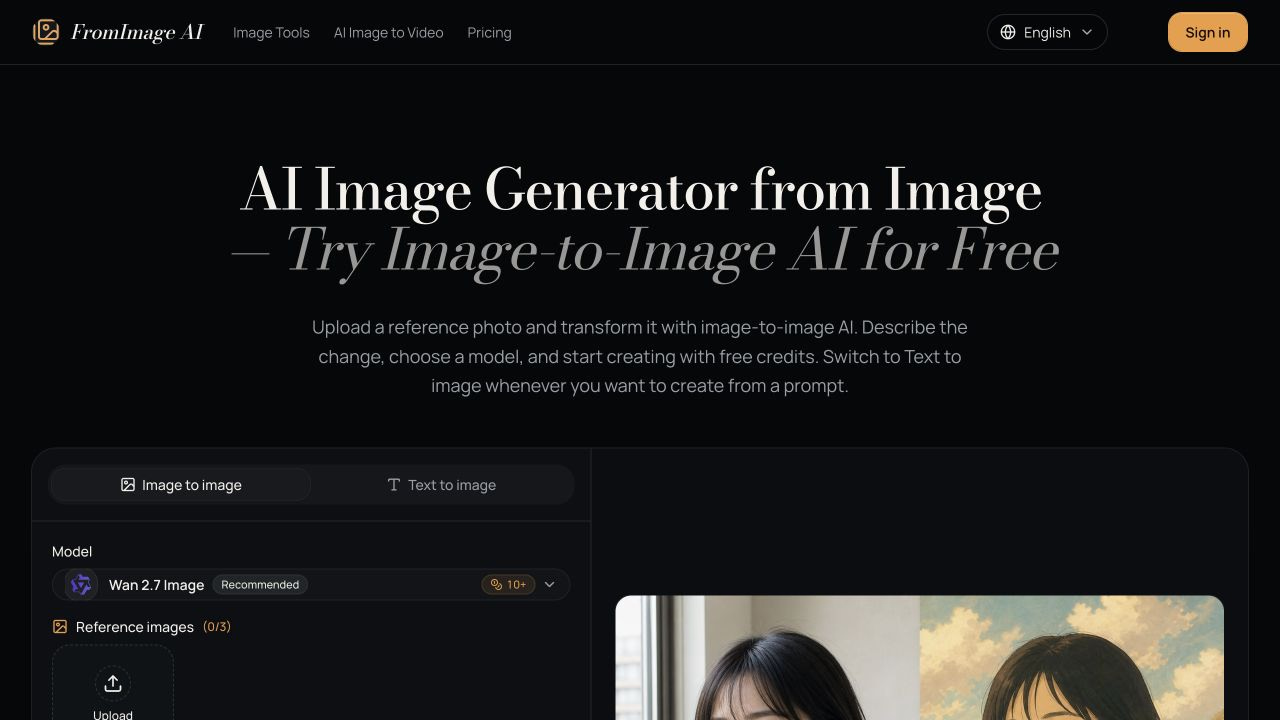

FromImage AI
FromImage AI turns reference photos into new visuals. Upload an image, describe what should stay and what should change, choose an AI model, and generate portraits, product shots, interior concepts, and creative variations. New users receive free credits, with paid credit packs and subscriptions available.
176 upvotes
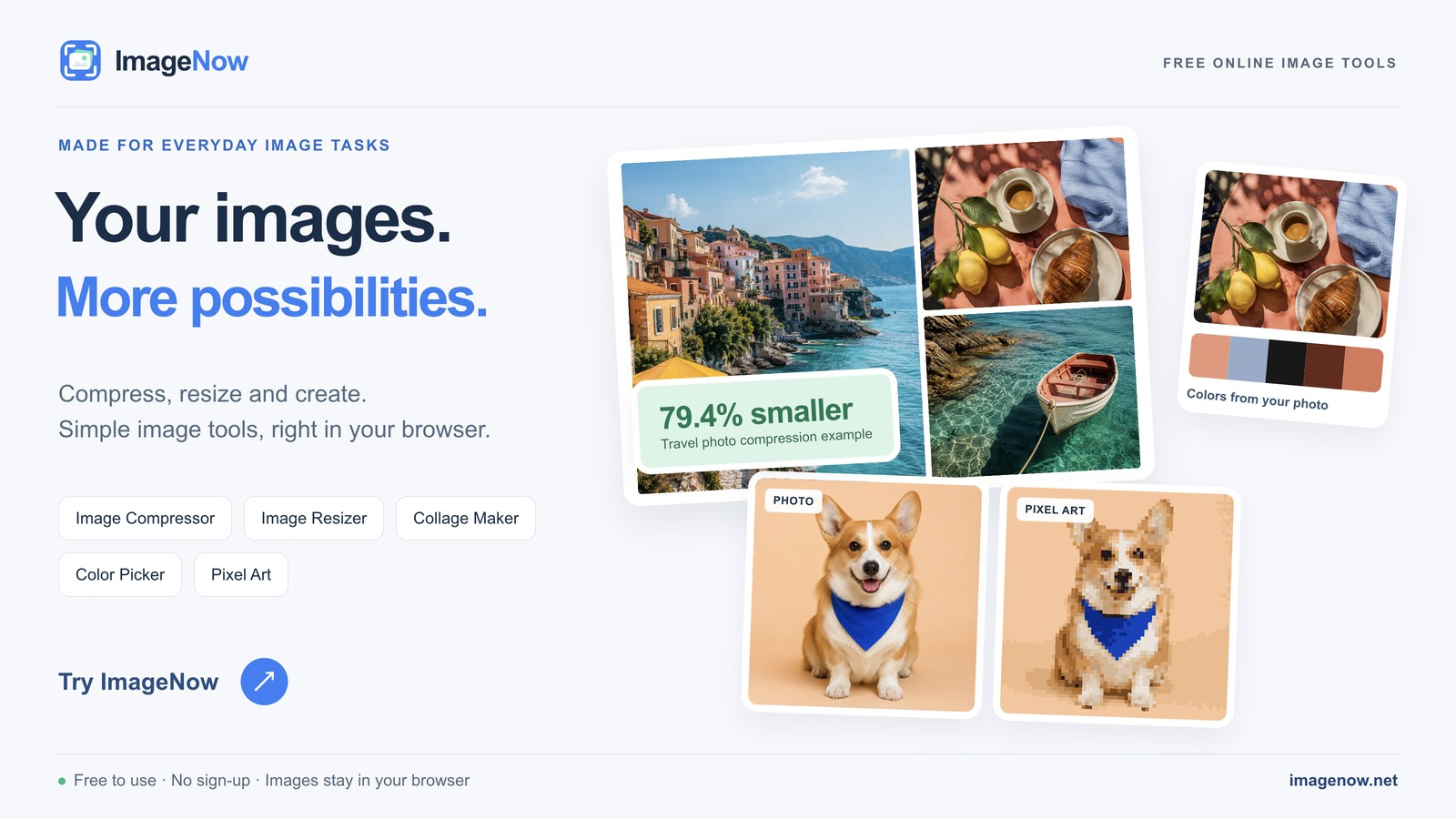

ImageNow
ImageNow brings everyday image tasks into one free website. Compress, resize and convert images, create PDFs, GIFs and collages, extract color palettes, and turn photos into pixel art. Images are processed locally in your browser, so your photos stay on your device. No sign-up or installation required. The website is available in multiple languages and includes guidance for each tool.
153 upvotes

ReWords AI
ReWords AI is an AI writing assistant for rewording, rewriting, and polishing content while keeping the original meaning. It helps rewrite and polish text for blogs, product pages, emails, and everyday writing.
97 upvotes
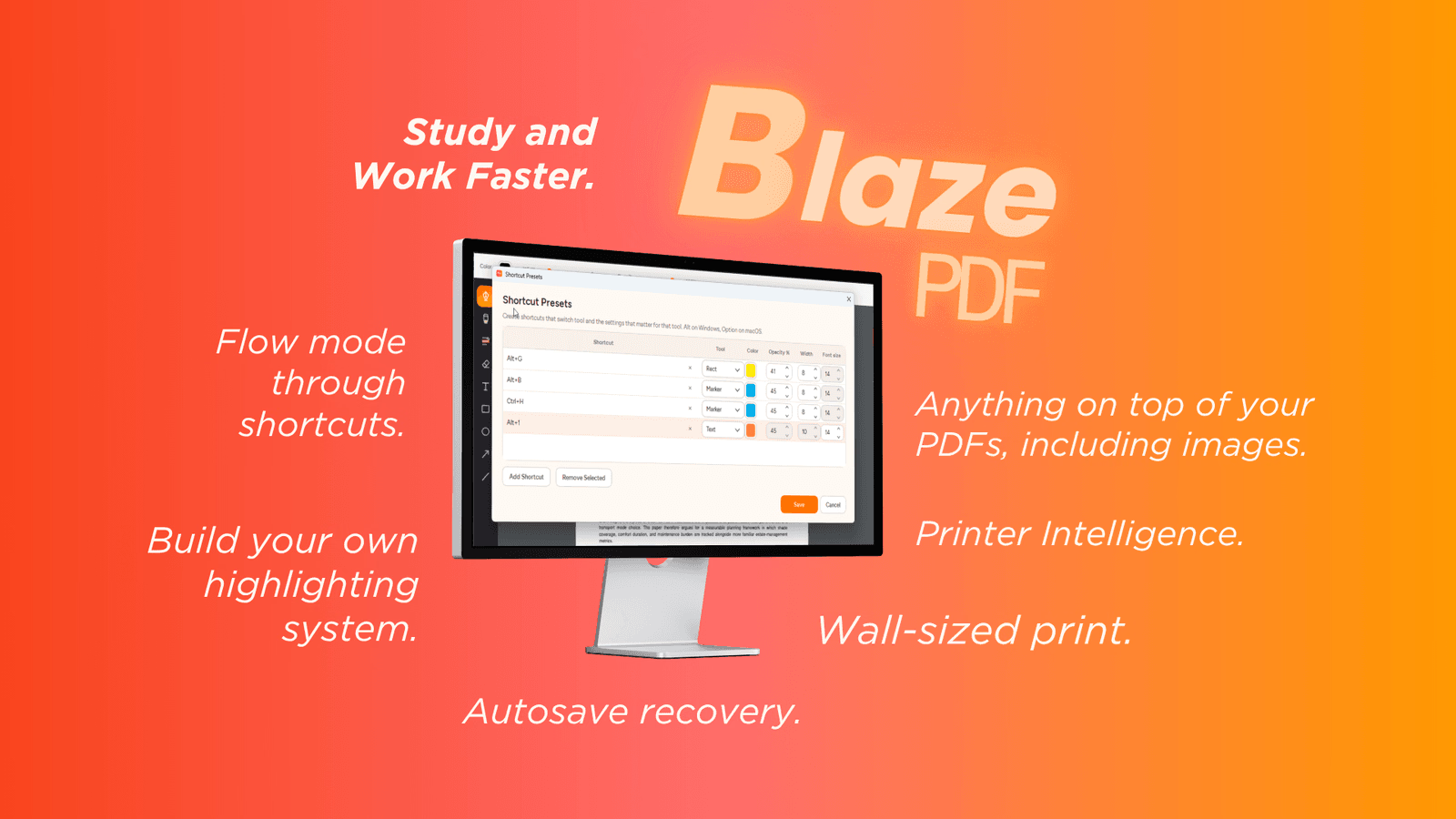

BlazePDF
BlazePDF is a focused desktop workspace for students who live in lecture slides, readings, and past papers. It combines pen and marker annotation, word-aware highlights, editable text boxes, shapes, and images with tool presets that restore your favorite color, width, and opacity in one shortcut.Study the PDF—not the interface.Flow Mode keeps annotation keyboard-first, while page tools handle blank-page insertion, image import, reordering, and visible PDF export. Smart Duplex and Poster Enlargement solve awkward print jobs with previews before you commit.Everything runs locally: no account required, files stay on your computer, and optional AI OCR only starts when you choose it.
134 upvotes
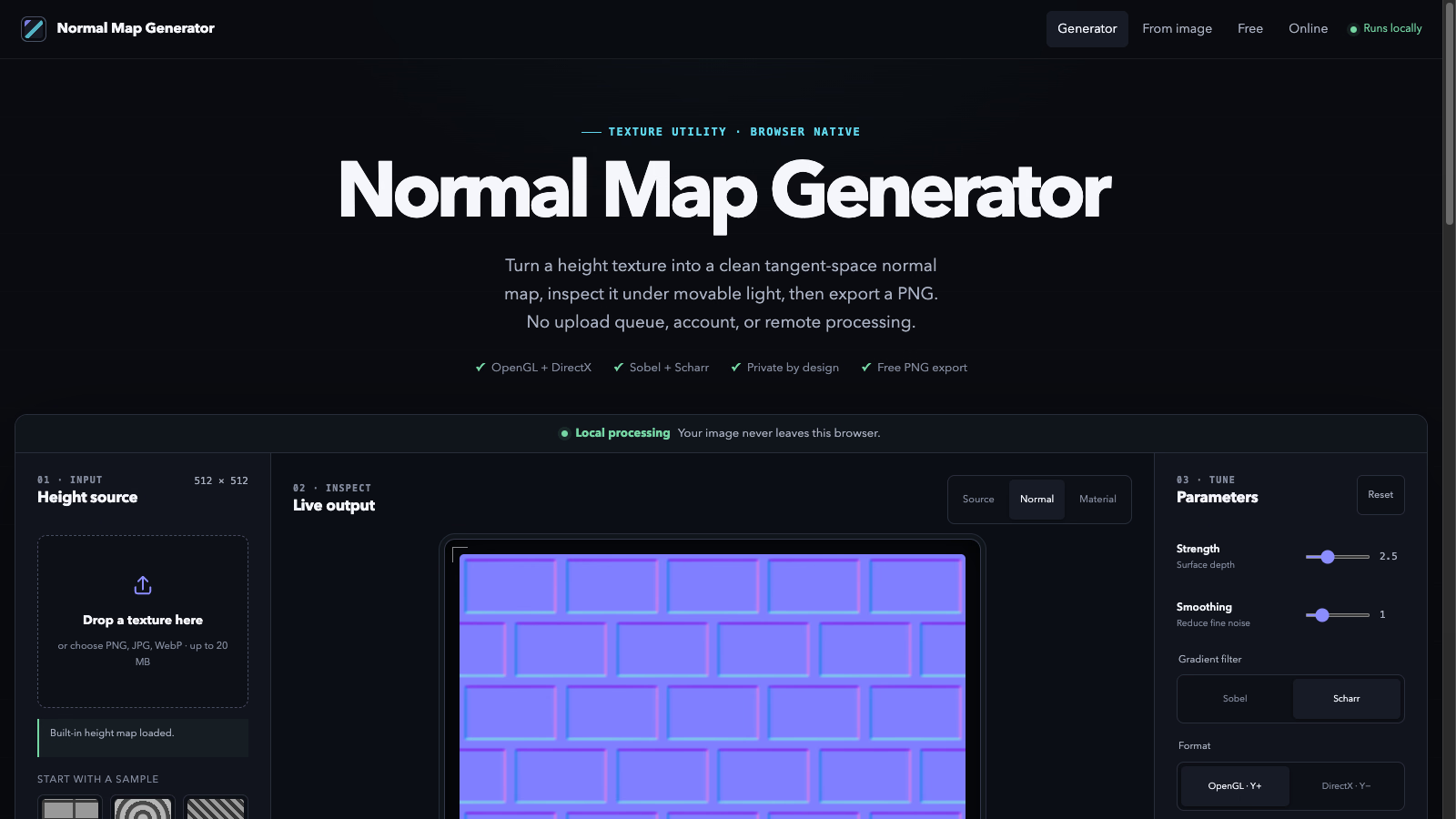

Normal Map Bench
Normal Map Bench creates tangent-space normal maps from images directly in your browser. Tune strength, smoothing and edge dilation with live controls, preview under a movable light, switch between OpenGL and DirectX Y conventions, and export PNG at the original resolution. Free, no upload, no account — processing stays local.
113 upvotes


ClipAI
Every clipping tool gives you a "virality score". None of them ever check if it was right. I built ClipAI differently: it scores your clips, publishes them, then pulls the real views back and shows where it was wrong. The score meets reality. Upload a long video, get scored clips, render with auto-captions and speaker tracking, schedule everywhere. One plan, $4.99/mo, 14-day free trial.https://clipai.online
172 upvotes
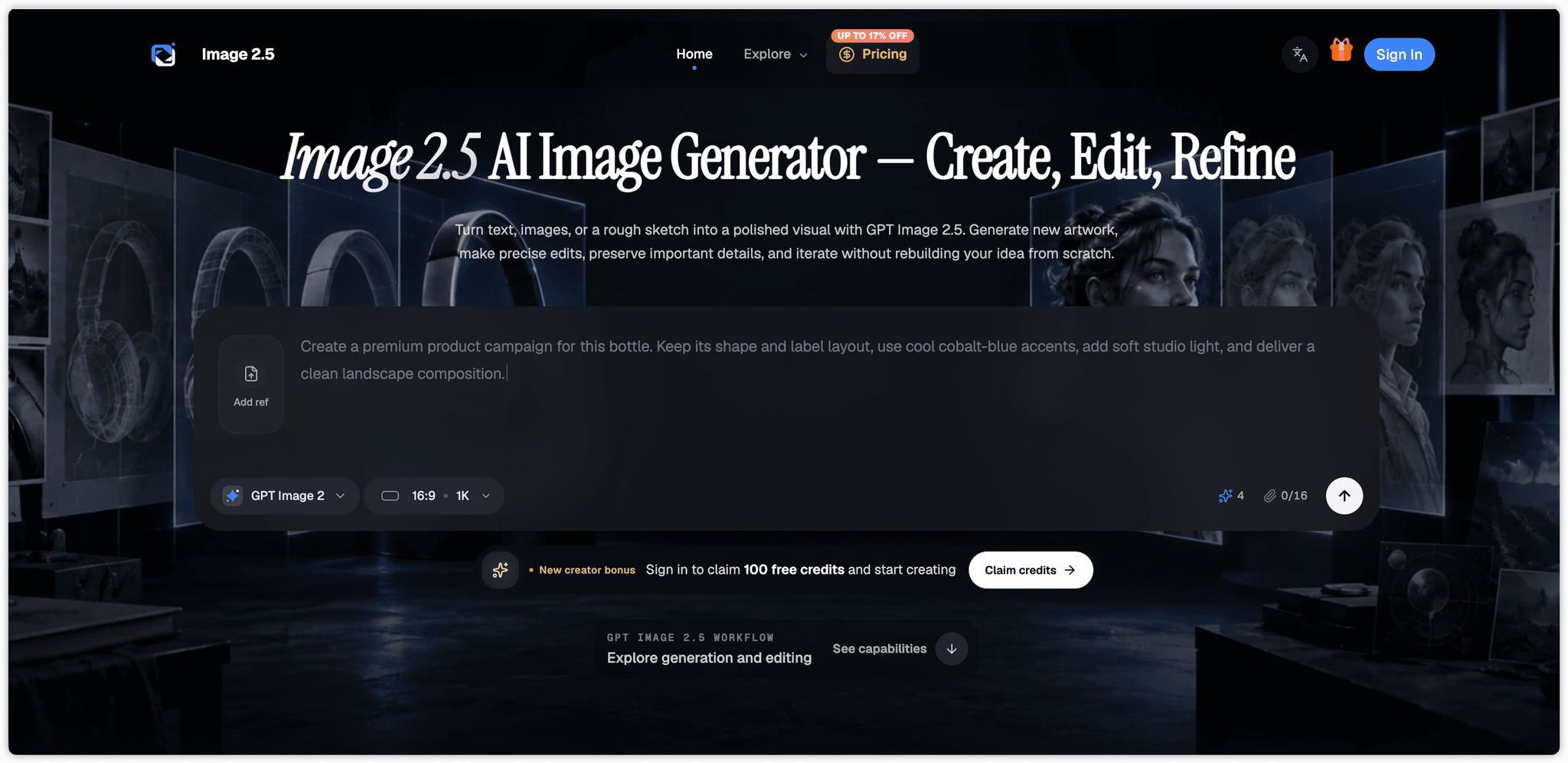

Image 2.5
Image 2.5: Create and Edit Images with AIImage 2.5 is a browser-based GPT Image 2.5 AI image generator and editor for creators, designers, marketers, and visual storytellers. It helps you generate original artwork from text, edit existing images with natural-language instructions, and build polished visuals from reference images or rough sketches.Key FeaturesGenerate images from text promptsEdit images using simple written instructionsUse multiple reference images to guide the resultPreserve characters, products, materials, and visual detailsReplace backgrounds, restyle scenes, and modify selected objectsCreate square, portrait, landscape, or custom compositionsGenerate high-resolution images up to 4KExport results as PNG, JPEG, or WebPCreate transparent-background images where supportedRefine the same idea through multiple editing roundsTwo Models for Different WorkflowsImage 2.5 includes two GPT Image 2.5 model options:Sunburst – prioritizes image quality, detail, and editing precision.Flare – provides faster generation for drafts and everyday creative work.What Is Image 2.5 Useful For?Use Image 2.5 to create product images, advertising concepts, social media graphics, infographics, posters, character designs, storyboards, presentation visuals, concept art, and targeted photo edits.From initial prompt to final export, Image 2.5 combines text-to-image generation, reference-based image creation, and AI image editing in one streamlined online workspace.
154 upvotes


Layometry
Layometry is a 3D tile layout planner that lets you preview walls, floors, and tile patterns before cutting a single piece. Enter real dimensions and the planner renders an accurate 3D view with cut-aware layouts, connected surfaces, niches, openings, and uneven walls.Plan your tile layout before the first cut.An AI Builder turns a plain sentence into surfaces, materials, and elements, showing every step with an undoable activity feed. Export PDF drawings, a CSV cut list, or a JSON project backup after signing in.PlanFeaturesFree (beta)Planner, 3D view, guest browser storageAccountCloud projects, PDF/CSV/JSON exports
246 upvotes

Stampy
Stampy combines AI stamp generation in private beta with a browser-based editor for digital stamp artwork. The AI generation feature is implemented and undergoing internal testing. The public editor lets users upload a logo, edit text and borders, move and resize layers, and inspect a live preview. Download SVG or a 1600 by 1600 transparent PNG. A separate image cleaner can isolate ink colors from raster images. Browser drafts are stored locally. AI generation is not yet generally available; the public automatic mode remains a clearly labeled Local Demo.
193 upvotes
Keep exploring
- Artificial IntelligenceAI-powered products across agents, search and automation.1,244
- ProductivityNotes, tasks and personal-workflow tools.733
- SaaSSubscription software for every business function.548
- Developer ToolsEditors, CLIs and everything around the build loop.524
- Marketing ToolsSEO, campaigns and audience-growth tooling.357
- APIs & IntegrationsConnect products together through APIs, SDKs and integrations.145