What is White Screen?
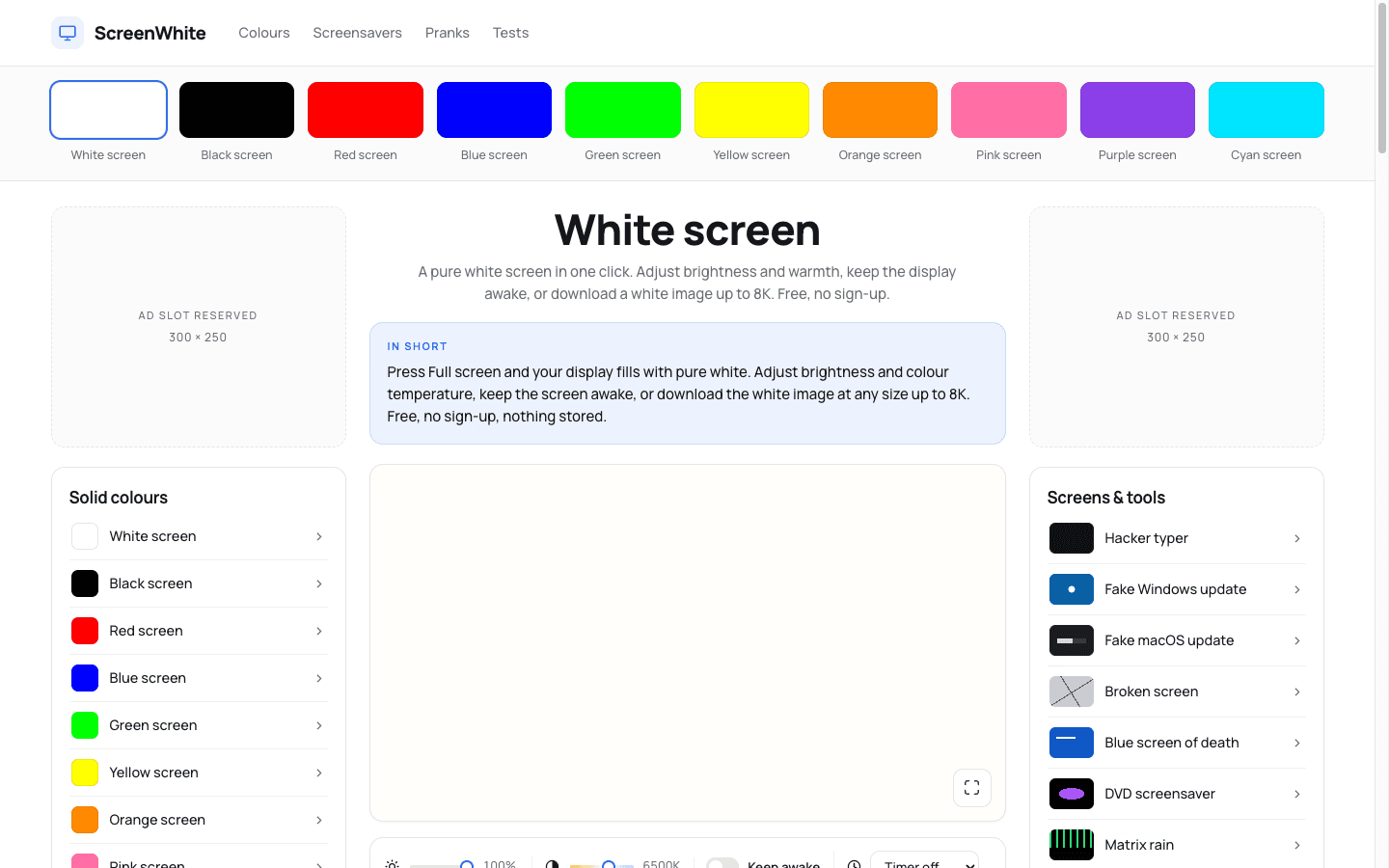
White Screen turns any browser tab into a flat, even white surface for practical tasks like video-call fill light, tracing paper on a tablet, or spotting dead pixels and dust. The color is painted before any script runs, so there is no flash of white on load. Press F for fullscreen, or add it to your home screen on mobile for a clean, interface-free experience. It also offers downloadable white images in PNG, JPG, and WEBP up to 8K, generated on the server with tiny file sizes.
Who it's for
- Remote workers and streamers — need a soft, even light source beside their face without investing in a dedicated ring light.
- Artists and designers — want a backlit surface for tracing paper or checking linework on a tablet screen.
- Display technicians and careful owners — need a reliable white field to reveal dead pixels, dust, or other panel faults that hide against normal content.
Key features
Instant fullscreen white
Press F or tap the Full screen button, and the entire display turns white with no browser chrome. The color is painted before any script executes, so you never see a flash of dark or unstyled content on load. On mobile, adding the page to your home screen opens it directly into the white field with no interface at all.
Keep awake toggle
A Keep awake switch uses the Screen Wake Lock API to prevent the display from sleeping while the page is open. The lock releases automatically when you leave the tab, and the toggle disables itself on browsers that don't support the API rather than failing silently.
Downloadable white images
Choose a format — PNG, JPG, or WEBP — and a size up to 8K, and the server generates a white image on request. Files are never stored, and each download shows its real file size before you save it.
Shareable hex color URLs
Every shade of white has its own URL, so you can share an exact color with a colleague or bookmark a specific tone for repeated use. This makes it easy to match a warm cream or a cool white across sessions.
What stands out
“The most useful blank surface a display can make.”
White Screen is more than a blank page — it's a deliberately engineered tool that respects your display and your time. The no-flash rendering, the wake lock that only works when you ask for it, and the server-side image generation with no upload path all point to a product that cares about the details. It's a single-purpose utility that does exactly what it promises, with no account, no tracking, and no clutter.
Worth checking out if…
You spend hours on video calls and want a softer light source, or you trace artwork and need a reliable backlight. It's also worth a look if you're inspecting a new or used display for dead pixels, or if you simply want a clean white reference screen without hunting through settings. The downloadable images are handy for design mockups or testing color profiles, and the shareable hex URLs make it easy to keep a consistent white across projects.